Desk Microphone Boom Arm

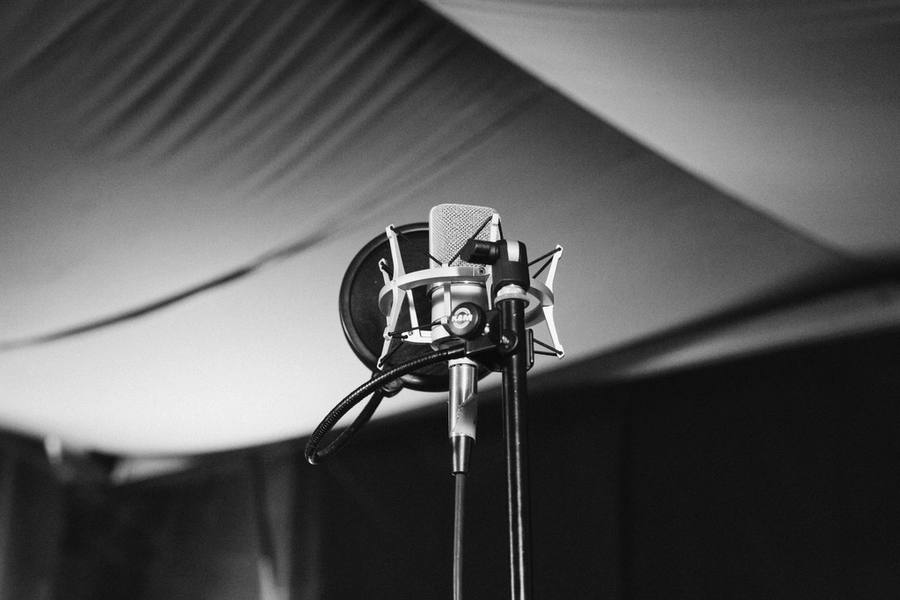
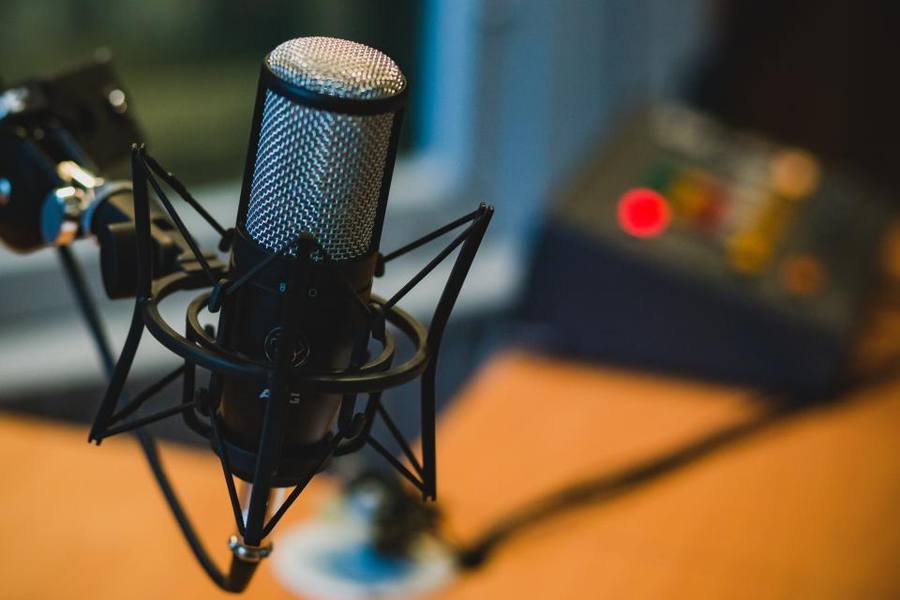
Symbolbild (Stockfoto); nicht das abgebildete Produkt.
Two Problems Solved At Once
A desk stand puts the microphone too far from the mouth and in contact with the desk, which transmits every keyboard press and knock directly into the recording.
A boom arm positions the microphone close to the mouth, which as always is the dominant factor in audio quality, and isolates it from desk vibration through its own suspension.
It also clears the desk surface entirely, which for anybody working at the same desk is a practical gain independent of audio.
Spring Tension And Weight Rating
Boom arms hold position through internal springs, and an arm too weakly sprung for the microphone will slowly droop through a session.
Checking the stated weight capacity against microphone plus shock mount plus any pop filter matters, since those add up to considerably more than the microphone alone.
Better arms have adjustable spring tension, which allows tuning to the actual load and re-tuning if the microphone changes.
Mounting To The Desk
Clamp mounts fit a desk edge and need clear access underneath, which a desk with a drawer, a frame or a thick top may not provide.
Grommet mounts pass through a hole in the desk and are more secure and permanent, requiring a suitable hole.
Measuring desk thickness and checking what is underneath before ordering prevents the commonest return in this category.
Cable Management And Noise
Internal cable routing keeps the cable inside the arm, which looks tidier and prevents the cable catching as the arm moves.
A cable running loose along an arm transmits handling noise and snags, and taping it at intervals is the workaround on arms without internal routing.
Cheaper arms creak audibly when moved, which is a problem if the arm is adjusted during recording rather than before it.
Positioning For Voice
The usual position is slightly above the mouth, angled down, just outside the frame if on camera, at a hand span distance.
Speaking across the microphone rather than directly into it reduces plosive blasts on hard consonants, which a pop filter also addresses.
Microphone thread compatibility is the small detail that causes the most irritation, since arms and microphones use two standard sizes and they are not interchangeable without a small brass adapter. Most arms ship with one, and it is the sort of item that disappears immediately and is then impossible to find when needed. Keeping the adapter taped to the arm itself rather than loose in a drawer saves a genuinely frustrating half hour later.
Coming from above rather than below avoids the arm blocking the view of a screen and is generally more flattering on camera.
Reach is the specification to check against your actual desk, because a short arm on a deep desk cannot bring the microphone to your mouth without the base sitting awkwardly close to where you work. Measuring the distance from the intended clamp position to where your head sits, and comparing it to the stated reach, takes a moment and prevents buying an arm that physically cannot reach the place it needs to be.
The Verdict
A genuinely useful piece of desk equipment that improves audio by getting the microphone close and isolating it from desk noise.
Spring tension must match the actual load, clamp mounts need suitable desk access, and cheap arms creak when adjusted.
Weigh your microphone with its shock mount and pop filter before choosing an arm. Underrated spring tension means a drooping microphone.
Auf einen Blick
Vorteile
- Positions the microphone close to the mouth
- Isolates from desk vibration and keyboard noise
- Clears the desk surface entirely
- Internal cable routing keeps things tidy
Nachteile
- Droops if spring tension is under-rated for the load
- Clamp mounts need clear desk edge access
- Cheap arms creak audibly when adjusted
- Adds visible hardware to a desk
Häufig gestellte Fragen
Why not use a desk stand?
It puts the microphone too far from your mouth and in contact with the desk, so every keyboard press and knock travels straight into the recording. A boom arm fixes distance and isolation at the same time.
Why does my arm droop?
Spring tension under-rated for the load. Weigh the microphone with its shock mount and pop filter, not alone — together they are considerably heavier. Better arms have adjustable tension you can tune to the actual weight.
Where should the microphone sit?
Slightly above your mouth, angled down, about a hand span away, just out of frame if on camera. Speak across it rather than directly into it, which reduces plosive blasts on hard consonants.
Spezifikationen
| Type | Sprung desk boom arm |
| Solves | Distance and desk vibration |
| Weight rating | Microphone plus shock mount plus pop filter |
| Spring | Adjustable tension preferred |
| Mounting | Clamp or grommet; check desk thickness |
| Cable | Internal routing preferred |
| Position | Above mouth, angled down, hand span away |
| Technique | Speak across, not directly into |
Fazit
Gets the microphone close and off the desk, solving distance and vibration together. Match spring tension to the full loaded weight.
Preis auf Amazon prüfen